
1 Month
Short term, no commitment
$14.99
Single payment for 1 month
- HD / FHD / 4K IPTV
- +50,000 Live Channels
- +70,000 Movies & Series
- PPV Channels
- Works on all devices
- 24/7 Support
Checkout handled personally on WhatsApp
Three ways to watch, one login. Trimix IPTV brings live channels, an on-demand library and pay-per-view event channels together in HD, FHD and 4K — on the TV, box, phone or laptop you already use, backed by support that never clocks off.
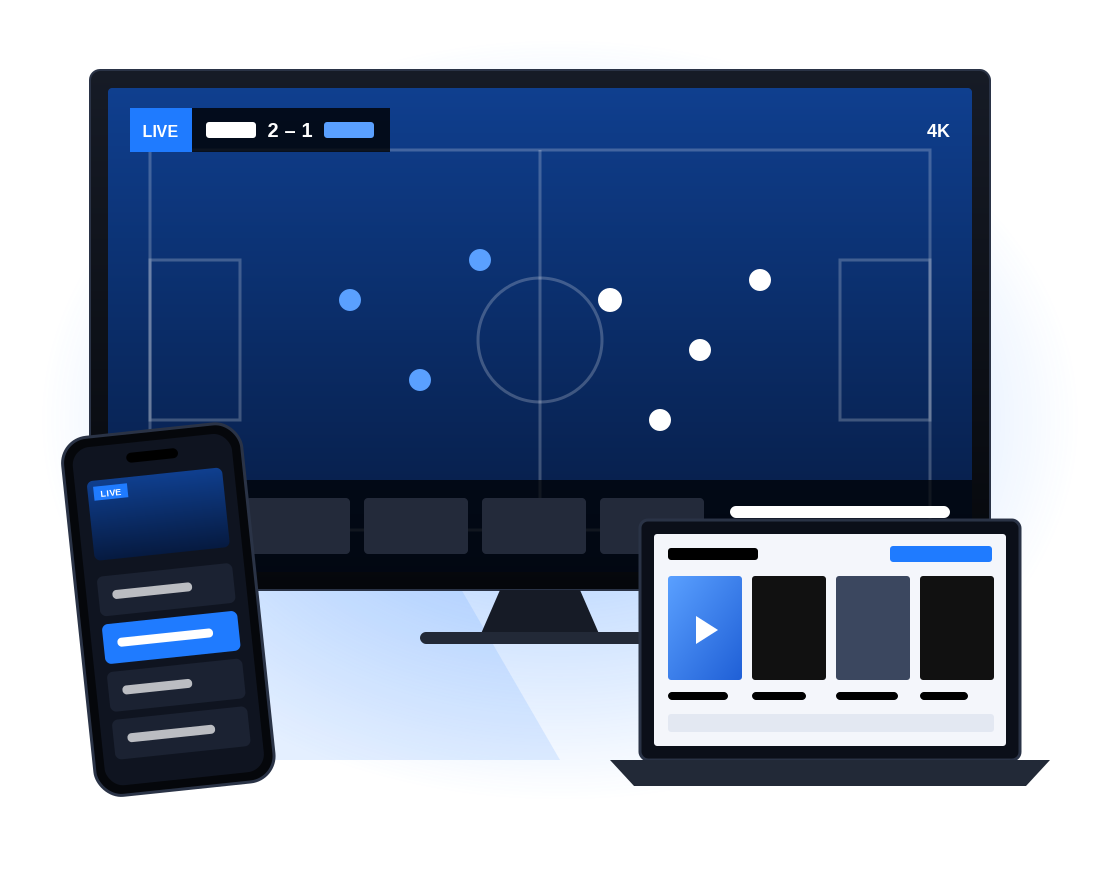
Most households piece their viewing together from several places: a TV package for live channels, an app or two for films and series, and separate payments whenever a big event comes along. Each has its own login, its own bill and its own way of doing things.
Trimix IPTV was designed to bring those three worlds together. Live TV gives you news, sport and entertainment as it happens. On-demand movies and series let you watch on your own schedule. PPV channels carry the special events that usually cost extra. With Trimix, all three live inside one player app, under one plan, with one team to call if you need help.
Because everything is delivered over the internet, there's no satellite dish to mount and no cable to run. If you're new to how internet TV works, our IPTV glossary explains the key terms in plain English.
The result is a simpler evening: open one app, decide whether you're in the mood for something live, something on demand or a big event, and press play.
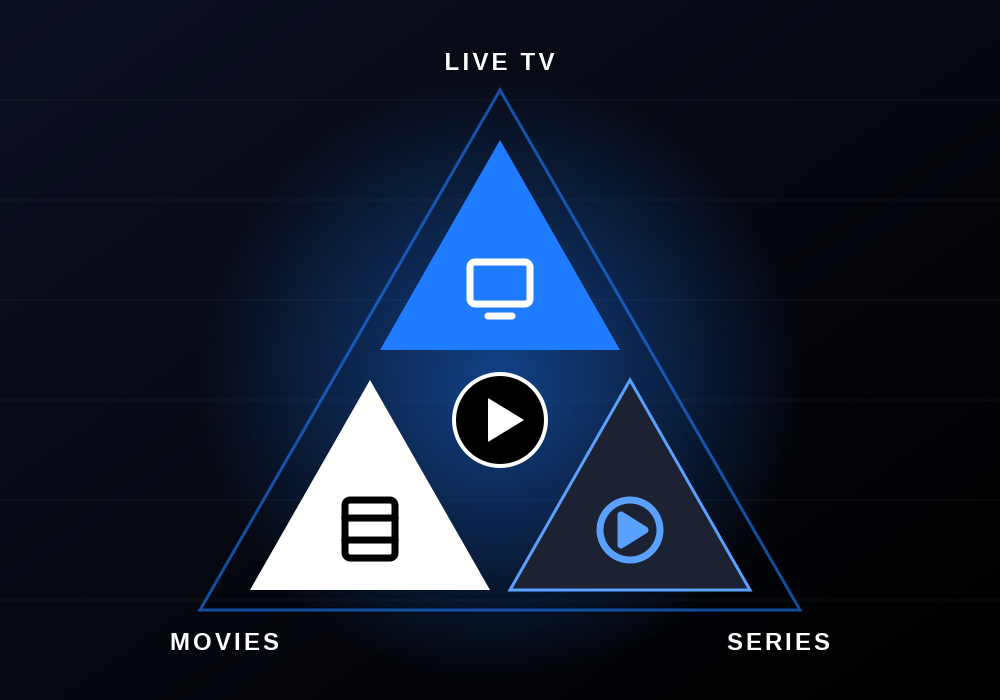
No tiers, no add-on packs. Every subscription — from one month to twelve — comes with the full list below.
Choose the picture that suits your screen. Many channels and titles are available in several qualities, so a 4K TV in the lounge and a phone on mobile data can both get the right stream.
An extensive live line-up grouped into clear categories — sport, news, entertainment, kids, documentaries, music and channels from many countries — with programme guide support in compatible players.
A deep on-demand library you can browse whenever you like. Start a film after dinner or work through a series at your own pace, with titles refreshed over time.
Pay-per-view event channels are part of the package, sitting in their own category so headline fights and special broadcasts are easy to find.
Smart TVs, Fire TV, Apple TV, MAG and Formuler boxes, Android boxes, phones, tablets and computers. We'll point you to the right player for each one.
Reach a real person on WhatsApp at any hour for setup help, account questions or advice on getting a sharper, smoother picture.
Content is organised into familiar categories so you spend less time searching and more time watching.
Inside the player, live channels are usually grouped by category and country, while movies and series sit in their own sections with posters and descriptions. Use search to jump straight to a title, and build a favourites list for the channels you watch every week — it makes a large line-up feel personal and quick to navigate.
Line-ups and titles change over time and may differ by region. If one channel is a must for you, ask us first or test it during your free trial.
Pick a duration — every plan carries the full feature set. Press Buy Now to order on WhatsApp. On the 12-month plan, the cost works out at just $5.83 per month.
Short term, no commitment
Single payment for 1 month
Checkout handled personally on WhatsApp
Room to explore the full library
Equal to $10.00 per month, paid once
Checkout handled personally on WhatsApp
Half a year at a reduced rate
Equal to $7.50 per month, paid once
Checkout handled personally on WhatsApp
Lowest monthly cost of all plans
Equal to $5.83 per month, paid once
Checkout handled personally on WhatsApp
Each Trimix IPTV plan is paid once for a fixed term. There's no card stored for automatic charges and no cancellation process to remember. When your plan nears its end, you simply decide whether to renew, switch to a longer plan or stop.
We think every customer deserves the full service. Splitting channels or 4K into premium tiers makes choosing harder and leaves people paying for upgrades later. With Trimix, the decision is only about how many months suit you.
Not ready to buy? Start with a free trial · More details on the pricing page
No technician, no hardware rental and no paperwork.
Choose 1, 3, 6 or 12 months. The features are identical, so it's simply about how long you want to watch.
Tap Buy Now. WhatsApp opens with your plan written out — send it and we'll share the payment options.
After payment is confirmed, your login details arrive with clear setup instructions for your device.
Open the recommended player, enter your details and your channels and library load straight away.
Trimix IPTV runs on the hardware you already own. Tell us your model and we'll match it with a player that works well.
Device guides: MAG & Formuler · Windows PC & Mac
One subscription can serve different rooms in different ways. Here's how customers typically set things up.
Your largest screen deserves 4K. Connect the TV or streaming device by Ethernet, pick the Ultra HD version of a channel and enjoy films and live sport at their sharpest.
A tablet or small TV set to the kids' category keeps younger viewers happy. Favourites lists make it easy for them to find their own channels without browsing everything.
Keep a news channel running in a window on your computer, or catch a match during a lunch break with a desktop player on Windows or Mac.
Install a player on your phone for commutes and trips. HD uses far less data than 4K, which makes it the sensible choice away from Wi-Fi.
Resolution is the number of pixels in the picture. HD (720p) is sharp on phones and smaller TVs, Full HD (1080p) is the everyday standard for most televisions, and 4K (2160p) has four times the detail of Full HD, which really shows on large screens.
Bitrate is how much data the stream uses each second. Higher resolutions need higher bitrates, which is why 4K asks more of your connection. Fast-moving content such as sport also tends to need more data than a studio interview.
Stability is the part people overlook. Live TV can't wait for a slow moment to pass, so a connection that holds steady at 30 Mbps often beats one that jumps between 10 and 300. That's why we recommend cables over Wi-Fi wherever possible — our guide on Wi-Fi vs Ethernet for IPTV goes deeper, and sports fans will find extra tips in IPTV for live sports.
Your device completes the picture. A 4K stream only looks like 4K on a screen and streaming device that support it, and older sticks can struggle to decode high-bitrate video. If fast motion looks jerky on one device but fine on another, the hardware is usually the reason — and choosing FHD on that screen is a perfectly good solution.
| Quality | Resolution | Stable speed (per screen) |
|---|---|---|
| HD | 1280 × 720 | about 10 Mbps |
| FHD | 1920 × 1080 | 15–20 Mbps |
| 4K UHD | 3840 × 2160 | 25 Mbps or more |
Buying a plan is the start of the relationship, not the end. Here's what our 24/7 WhatsApp support looks like in practice.
We send instructions written for your exact device, not a generic manual. If a step doesn't match what you see on screen, send a photo and we'll guide you through it in real time until your channels appear.
Bought a new TV or swapped your streaming stick? Let us know and we'll help you move your subscription across, recommend a player for the new hardware and check everything loads properly.
If streams aren't as smooth as you'd like, we'll look at the likely causes with you — connection type, player decoder and buffer settings, or choosing a different quality — and suggest practical changes.
Most questions are answered quickly; during very busy moments, such as the start of major events, replies may take a little longer. Every message gets a reply.
Channel counts make headlines, but day-to-day satisfaction depends on much more. Use this checklist whichever provider you're considering.
| What to check | Why it matters | Trimix IPTV |
|---|---|---|
| A free trial | Lets you test channels and picture quality on your own device and connection. | Available on request via WhatsApp |
| Reachable support | Setup questions and occasional issues happen at all hours. | 24/7 on WhatsApp |
| Clear, complete plans | Avoids paying extra later for features you assumed were included. | All features in all four plans |
| Renewal terms | Auto-renewals can lead to unexpected charges. | Prepaid, no automatic renewal |
| Quality options | Different screens and connections need different streams. | HD, FHD and 4K |
| Device coverage | Your household may mix TVs, boxes, phones and computers. | Works on all common devices |
| Transparent terms | You should know the rules on refunds, privacy and use. | Published refund, privacy & terms pages |
Whichever service you choose, make sure your use of it complies with the laws in your country.
A little preparation makes your first evening with Trimix IPTV much smoother:
Prefer a hand? Message us and we'll go through it together.
Tell us what you watch and what you watch it on. We'll give you an honest view of how Trimix IPTV is likely to perform and which player to use — no obligation.
Chat on WhatsAppShort answers to what people ask before subscribing. The full FAQ has more.
Trimix IPTV is an internet TV subscription that combines three things in one service: live channels, a movie and series library, and PPV event channels. Everything streams over your internet connection to the TVs, boxes, phones and computers you already own.
All plans include HD, FHD and 4K streams, 50,000+ live channels, 70,000+ movies and series, PPV channels, support for all devices and 24/7 help. Only the duration changes — compare them on the pricing page.
Yes. Request one through WhatsApp on the free trial page. Tell us your device and we'll send trial access with setup steps.
Smart TVs (Samsung, LG, Android TV, Google TV), Amazon Fire TV, Apple TV, MAG and Formuler boxes, Android boxes, phones, tablets and Windows or Mac computers. See our guides for MAG boxes and PC and Mac.
Press Buy Now under a plan. WhatsApp opens with your chosen plan written in the message. We confirm payment options with you, then send your login and instructions for your device.
For one 4K stream, aim for a stable 25 Mbps or more. HD works well at around 10 Mbps and FHD at 15–20 Mbps. A wired connection is the most reliable option — our Wi-Fi vs Ethernet guide explains why.
No. Each plan is a single payment for a set number of months. Nothing renews automatically.
Network, device and player tweaks that keep fast-moving live sport sharp and stutter-free.
Read more
Portal URLs, MAC addresses and first-boot settings for dedicated IPTV set-top boxes.
Read more
Why cables usually win for live TV, when Wi-Fi is fine, and the in-between options worth trying.
Read moreChoose a plan, message us on WhatsApp and we'll get your device streaming — or start with a free trial and decide later.